One local timeline
Claude Code and Codex activity is normalized into one daily history.
 Burnline
CLAUDE CODE + CODEX / MACOS
See the burn before it breaks your flow.
Observed token history and long-range burn patterns, sitting quietly in your menu bar. Every number carries its source and confidence.
v0.1.1 macOS 13.5+ Apple silicon Apple notarized
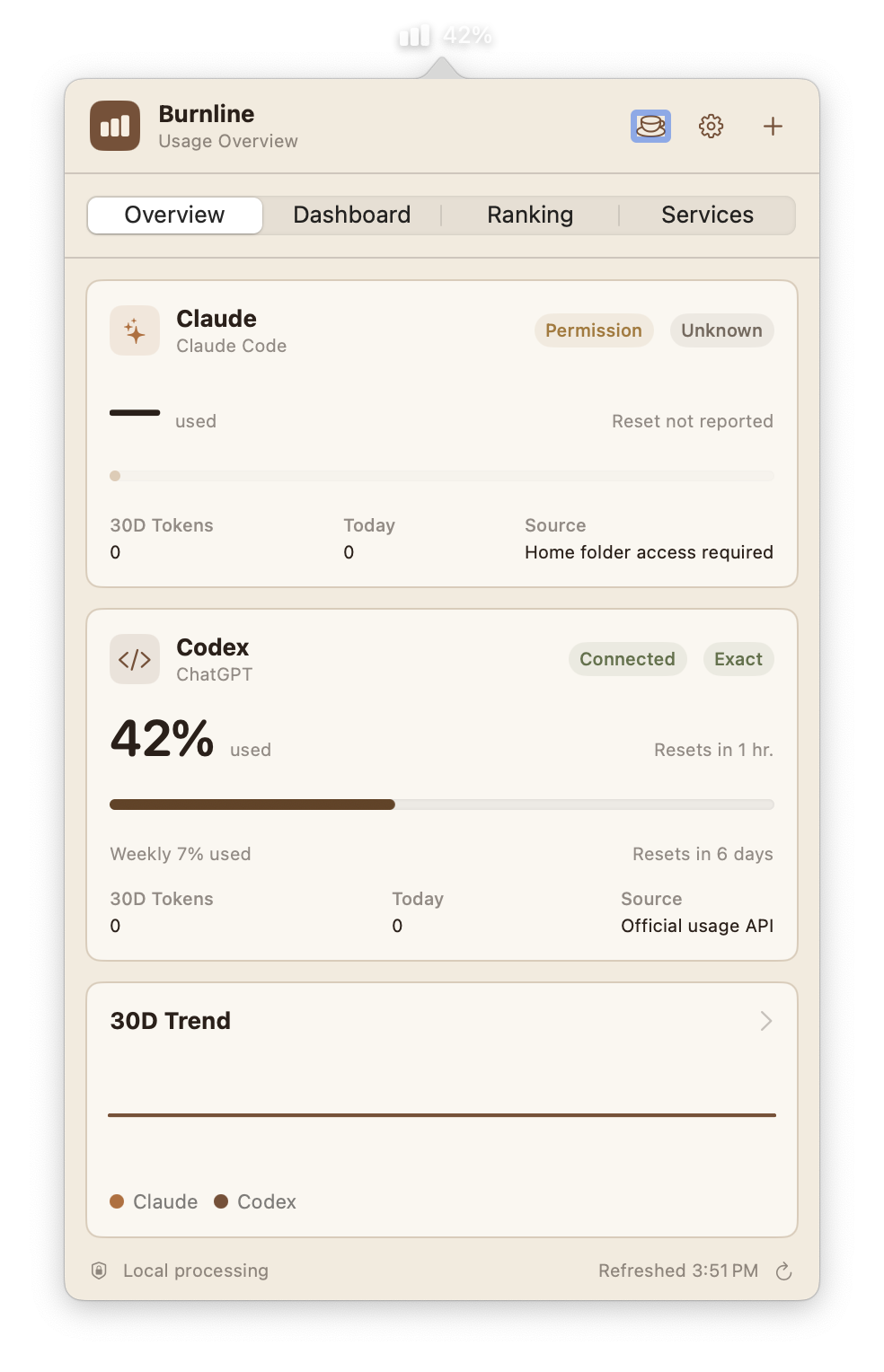
Claude Code and Codex activity is normalized into one daily history.
Daily Claude and Codex tokens are counted from local usage metadata after approval.
Observed, partial, unavailable, and permission states stay attached to the number they qualify.
Burnline keeps the useful questions in one compact surface: what ran today, how usage is changing, and whether the local data is complete.
Open the current Claude Code and Codex summary without leaving your editor.
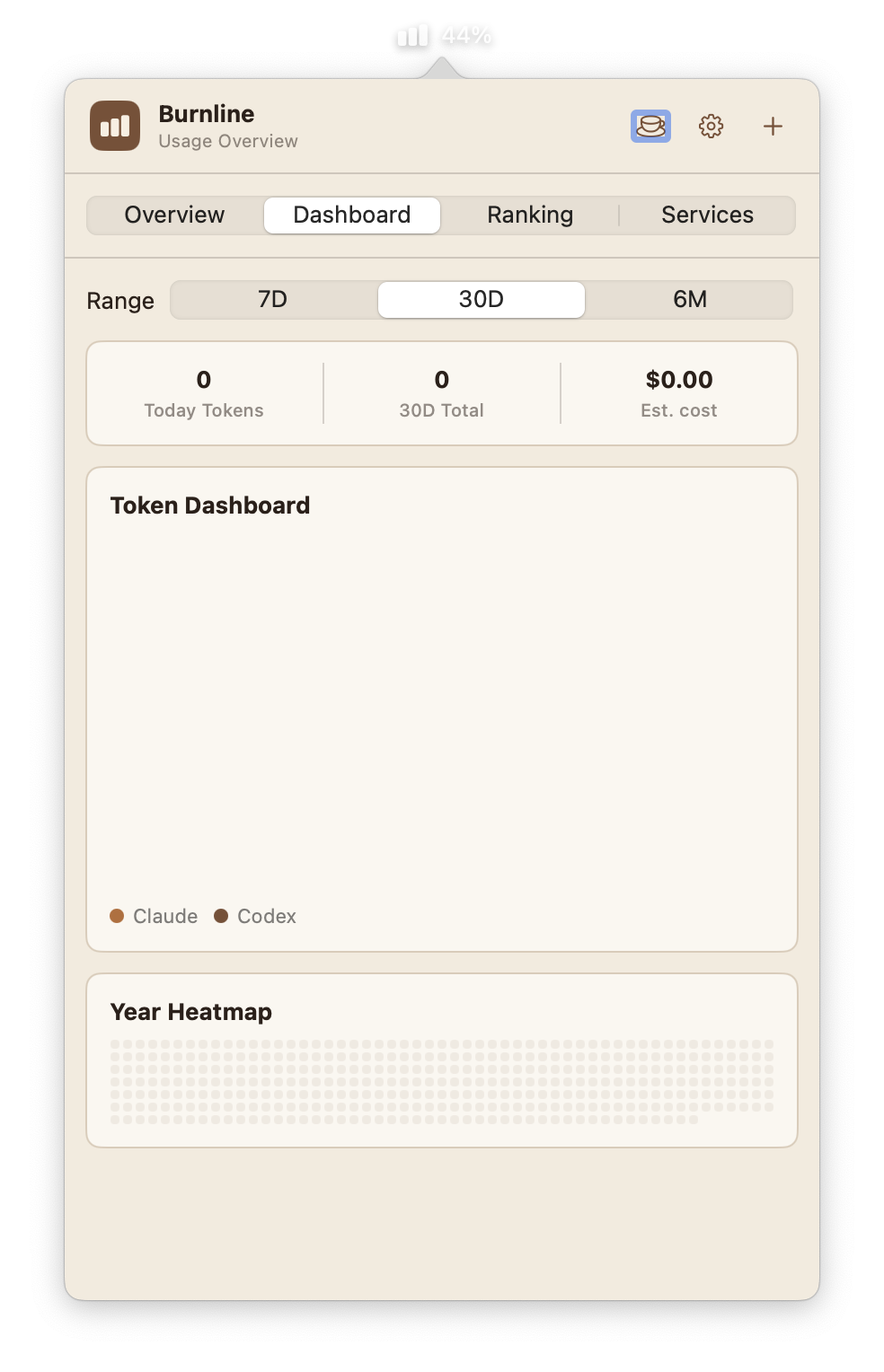
Compare daily Claude and Codex activity across 7 days, 30 days, or 6 months.
Set a 30-day token budget for each provider and see what remains after observed local usage.
Permission, partial history, and unavailable states explain missing numbers.
Scan 365 days of local activity and spot sustained high-usage periods.
Custom warnings before a limit becomes disruptive.
Observed token history from local usage metadata after Home folder approval.
Observed localObserved token history from local Codex sessions after Home folder approval.
Observed localAdditional coding agents join only when their usage signal can be labeled honestly.
PlannedSwitch between 7-day, 30-day, and 6-month views without leaving the menu bar.
Burnline reads usage metadata only after you approve Home folder access. It does not persist credentials, prompts, responses, or transcript content.
Full access starts locally on this Mac. No trial purchase, account, or payment method is required.
Permanent access restored through your App Store purchase history. No subscription and no Burnline account.
The $2.99 purchase starts with the Mac App Store release. The current Developer ID signed preview remains available until that version is live.
Anthropic does not expose a supported third-party subscription quota API for this use case. Burnline therefore reports observed local tokens and never presents them as an exact account limit.
After permission is granted, Burnline scans usage metadata under the local Claude and Codex data folders. It does not persist prompts, responses, transcript content, or provider credentials.
Observed is counted from local metadata on this Mac. Partial means the bounded scan could not cover all available history. Permission means Burnline needs you to choose the Home folder before it can read either provider.
Remaining is your optional 30-day token budget minus observed local usage. It is a personal planning signal, not a claim about a provider subscription quota.
Burnline 0.1.1 is Developer ID signed, Apple notarized, and shipped with its notarization ticket stapled. macOS can verify the app before its first launch.
NOTARIZED PREVIEW / 0.1.1
Developer ID signed and Apple notarized. Open the DMG, drag Burnline to Applications, then launch it normally.
SHA-256 checksum